A few days ago, Claude Code's source code leaked on GitHub. Within hours, developers had forked it, stripped the Anthropic API dependency, and published working replicas.
Now you can run the full Claude Code agentic interface with any model you want.
Anthropic is fighting back. Takedown notices are flying…and repos are going dark.
But here's the thing: once code is on GitHub, devs start zipping it, and the builds are already running on thousands of machines.
I'm going to walk you through how I installed OpenClaude in under ten minutes. This is full agentic file editing, directory reading, and code execution with any model you choose.
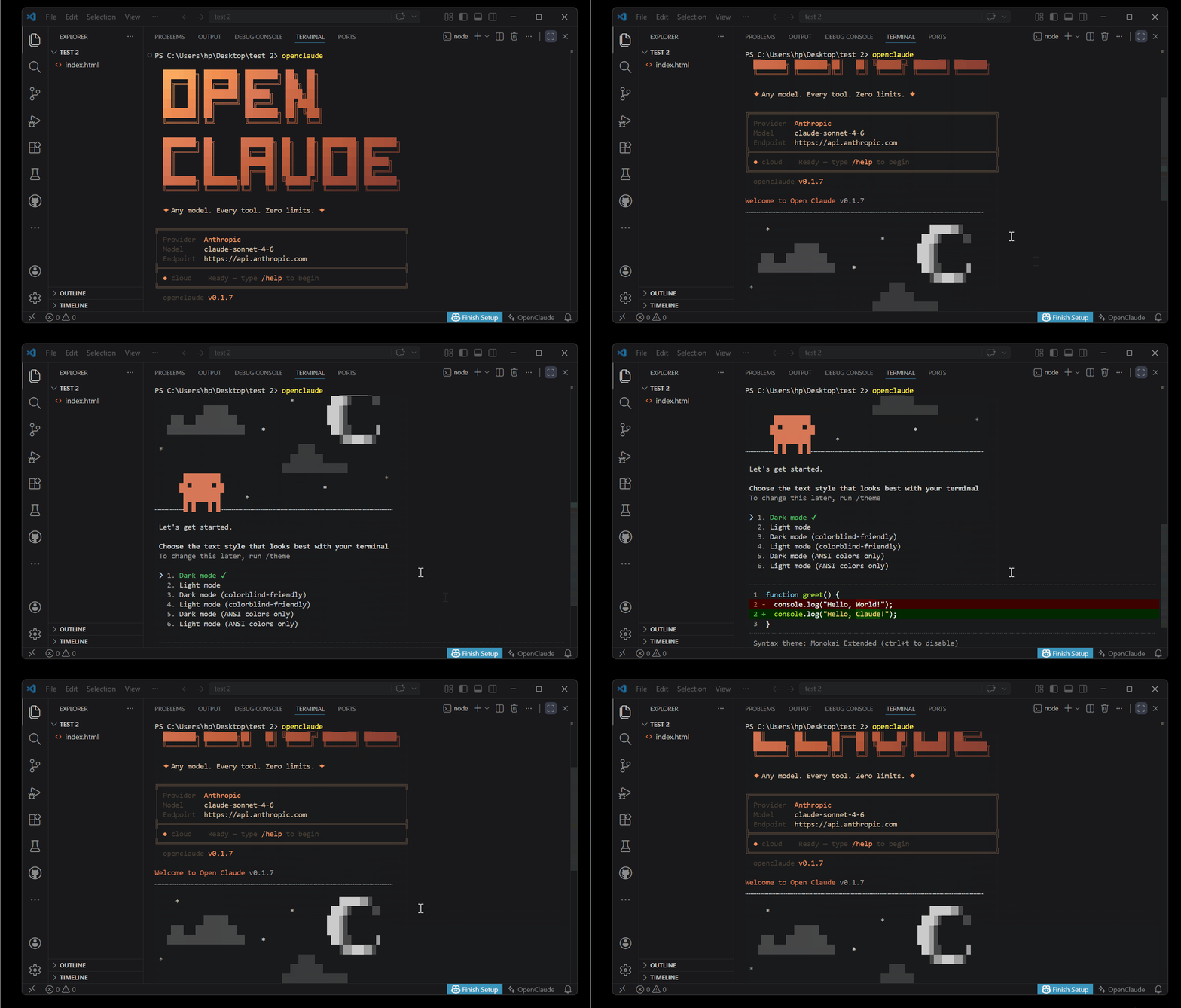
I'll also tell you which models to use, which ones to skip, and what to do if the repo disappears before you get to it.
Let's move fast. These windows don't stay open long.
What Is OpenClaude?
Claude Code is Anthropic's terminal-based coding agent. It reads your files, edits code, runs commands, and reasons through multi-step tasks.
It's Genuinely powerful…but locked to Anthropic's API, which costs money.
OpenClaude breaks that lock.

It is a community-built fork of the leaked Claude Code source…but the key difference: instead of calling Anthropic's API, it routes through OpenRouter.
That gives you access to dozens of model providers from a single API key at a lower cost
Before You Start: What You Need?
Four things:
- Node.js: Download the LTS version from nodejs.org. They give you a one-command install for your OS.

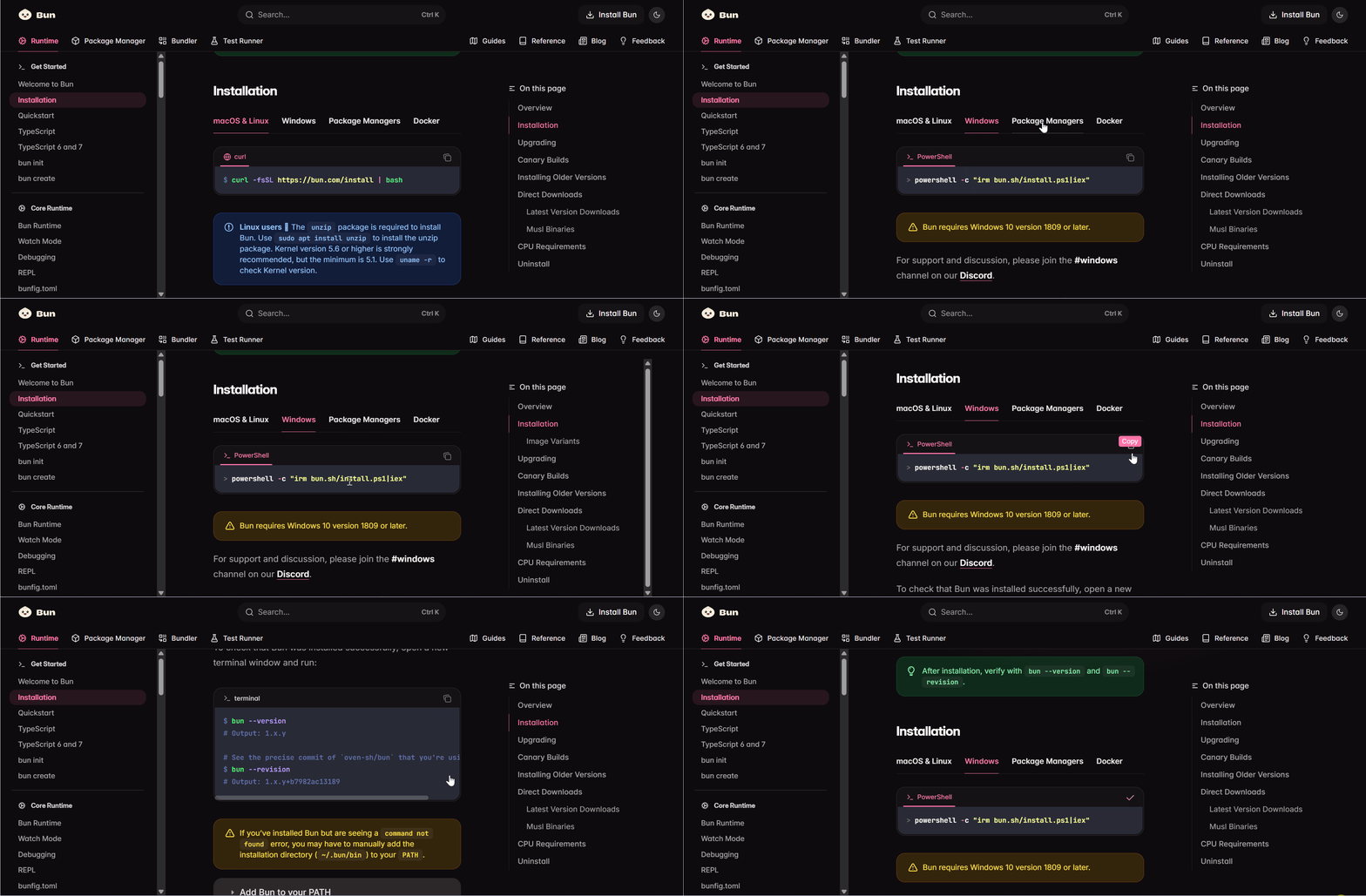
- Bun: A fast JavaScript runtime. One command from bun.sh gets it installed on Mac, Linux, or Windows.
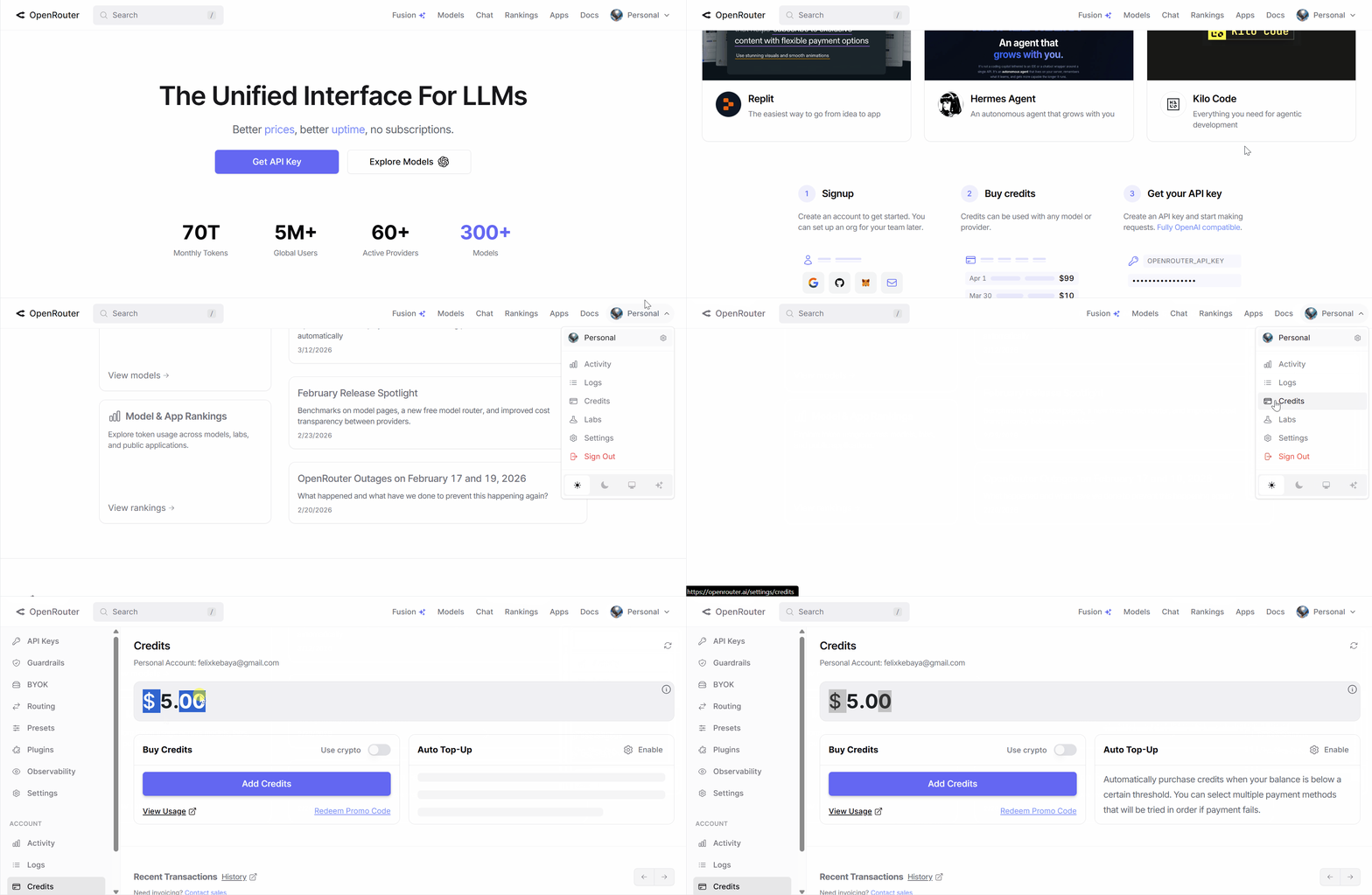
- OpenRouter account: You need to fund your account with at least $5 to start. Then generate an API key from the dashboard.
- OpenClaude source code: Download it as a zip from the repo. Save that zip somewhere safe because the repo may be gone by the time you read this.
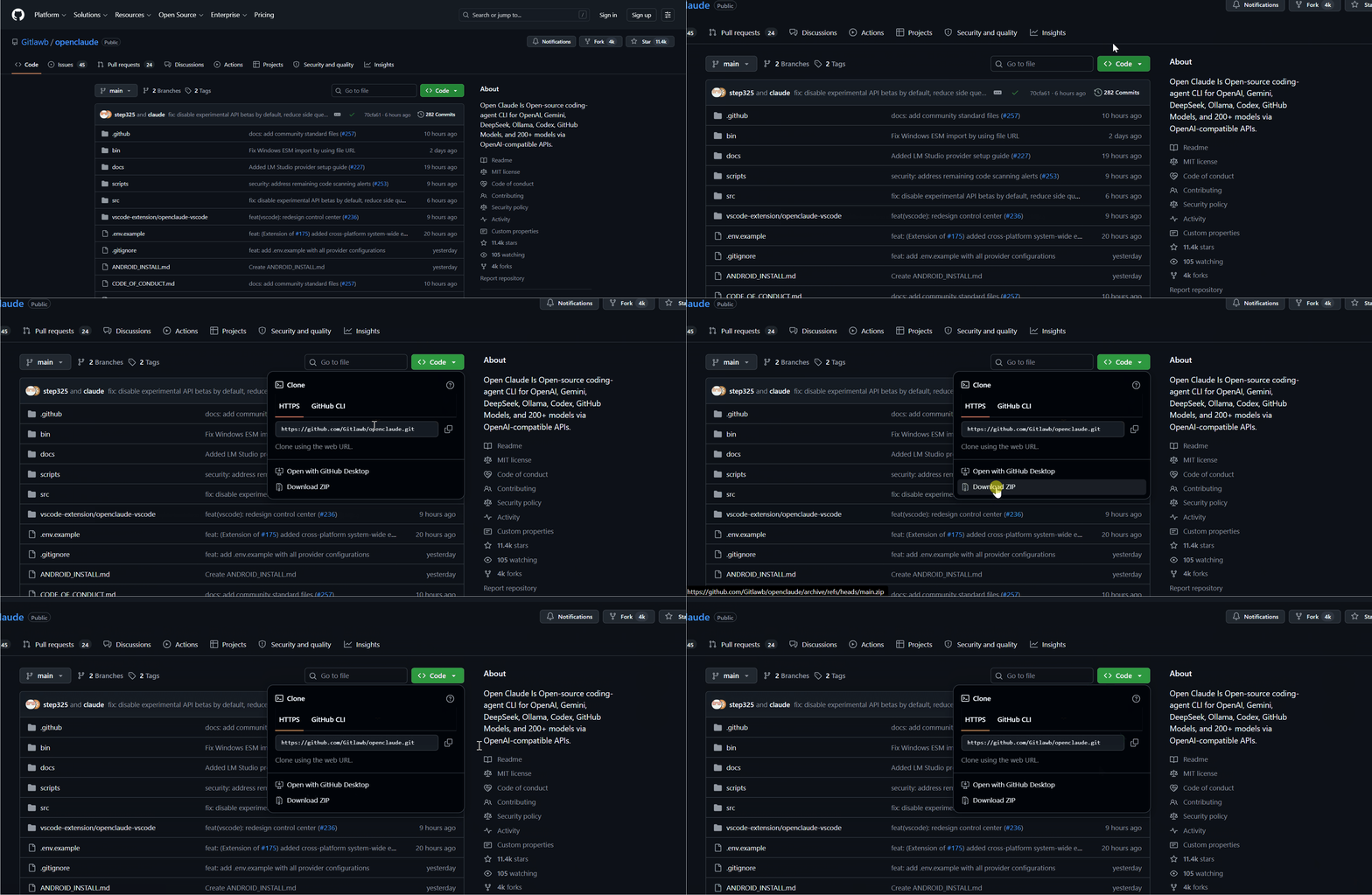
Step-By-Step Guide to Install OpenClaude
Step 1: Place the source code
Pick a stable folder on your machine.
On Mac, the Applications folder works well.
On Windows, Program Files. Create a subfolder, call it
openclaude, and extract the source code into it.
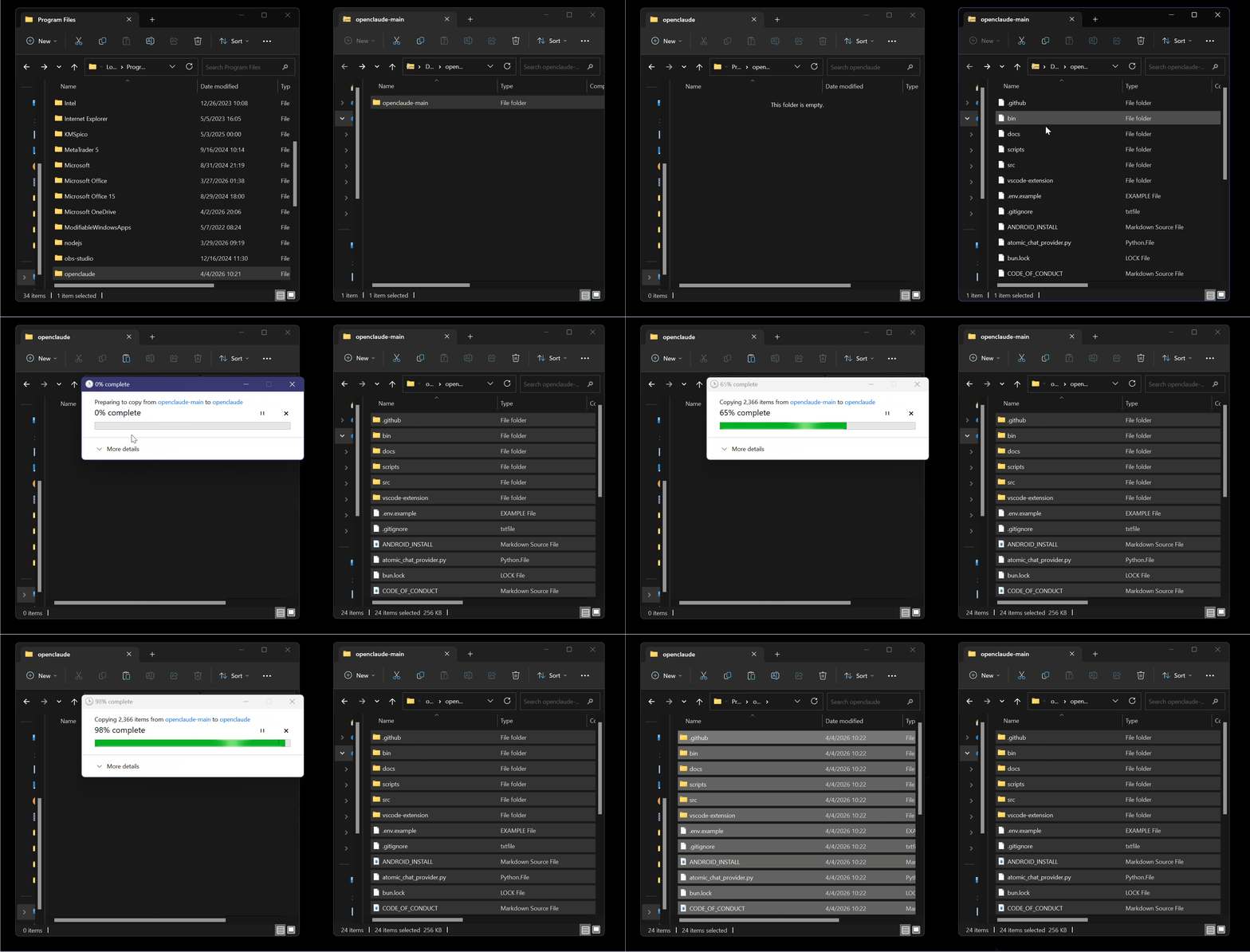
Do not move this folder later, because the symlink you create next depends on this path staying fixed.
Step 2: Open the folder in VS Code
Open that openclaude folder in VS Code(or any editor with a built-in terminal, such as Cursor or Antigravity, works too).
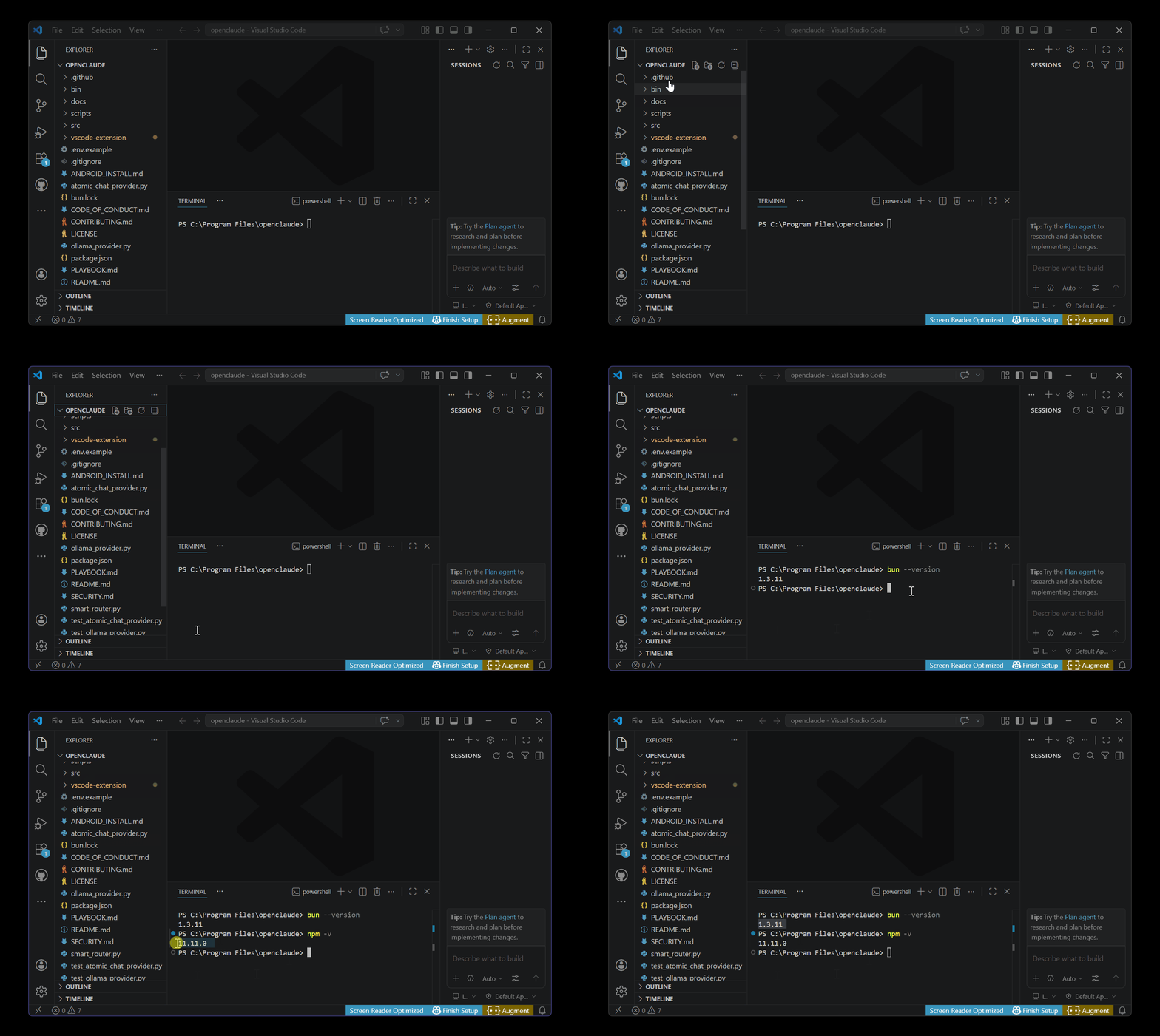
Step 3: Run three commands
In the terminal, paste these:
npm install
npm run build
npm link
npm link is the important one. It creates a global symlink so you can type openclaude from any folder on your machine and it runs.
Step 4: Set your environment variables
Open a fresh terminal in the project folder where you want the agent to work (not the openclaude source folder).
Paste in these three exports:
$env:CLAUDE_CODE_USE_OPENAI="1"
$env:OPENAI_API_KEY="###API KEY#####"
$env:OPENAI_BASE_URL="https://openrouter.ai/api/v1"
$env:OPENAI_MODEL="###Model name###"
Replace the key with your OpenRouter key.
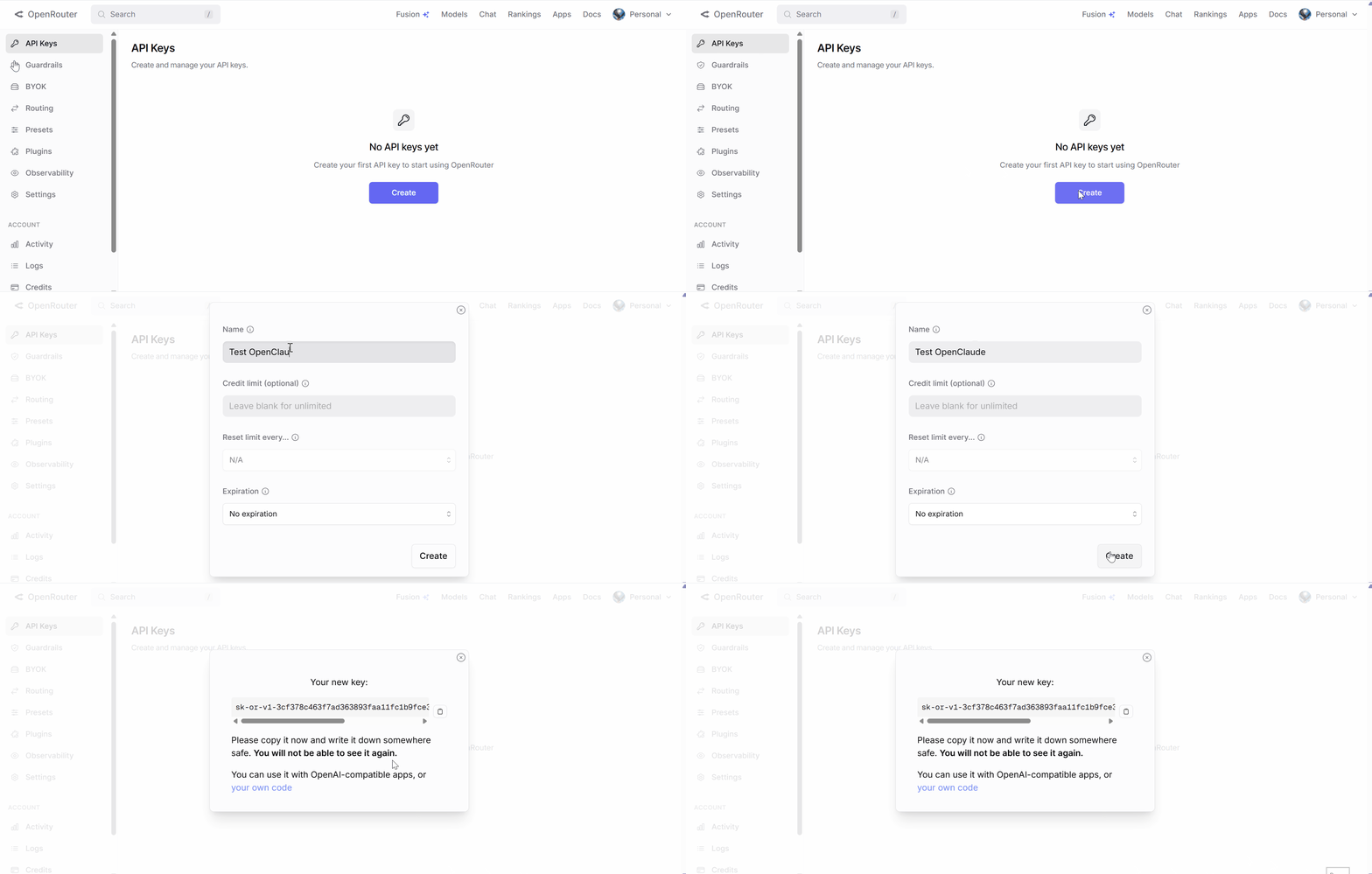
Replace the model name with whatever model you want to use (more on this below).
Step 5: Run it
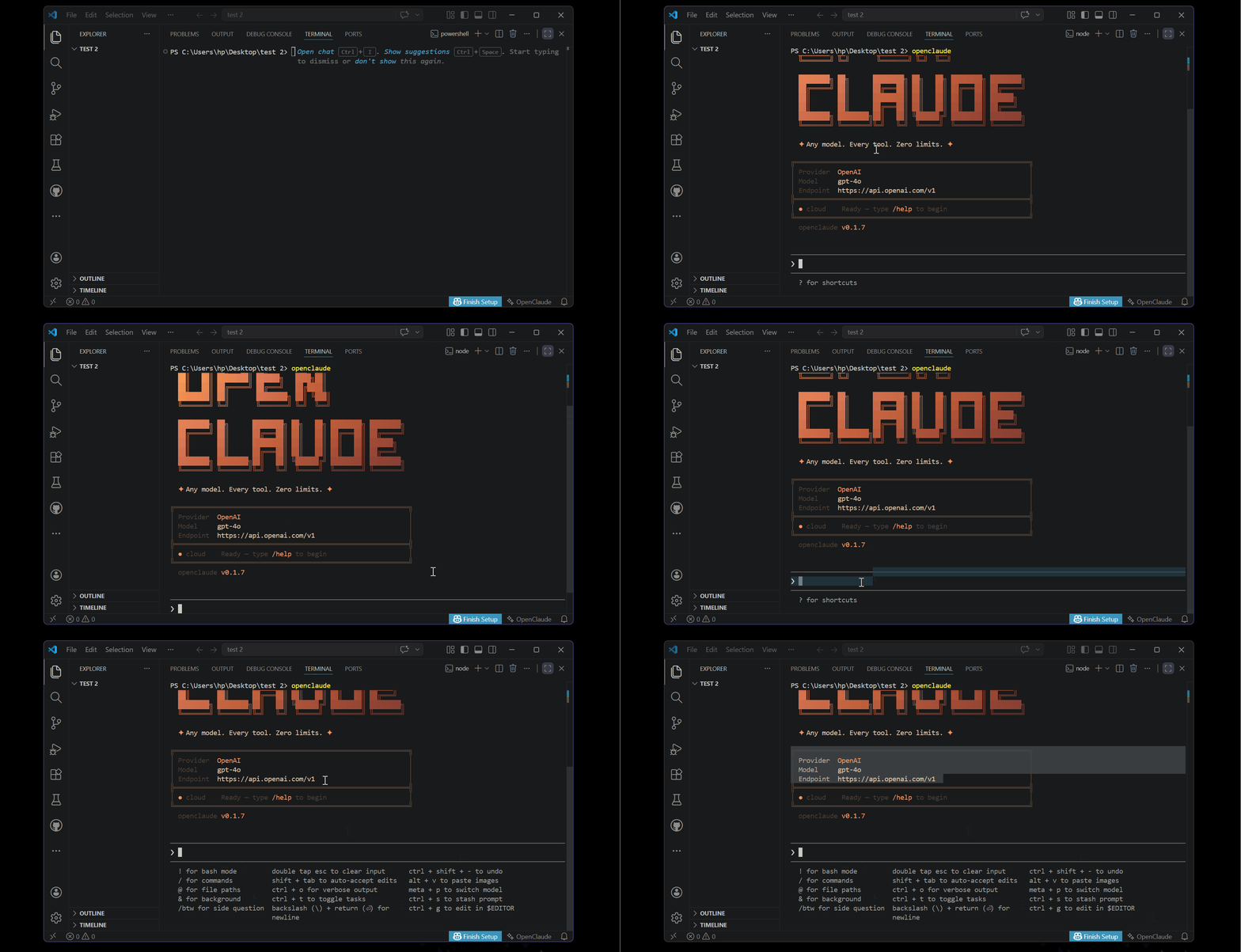
Type openclaude and press Enter.
You should see it confirm the model and show the agent prompt.
Give it a simple task to test, something like "create an index.html file that says Hello World."
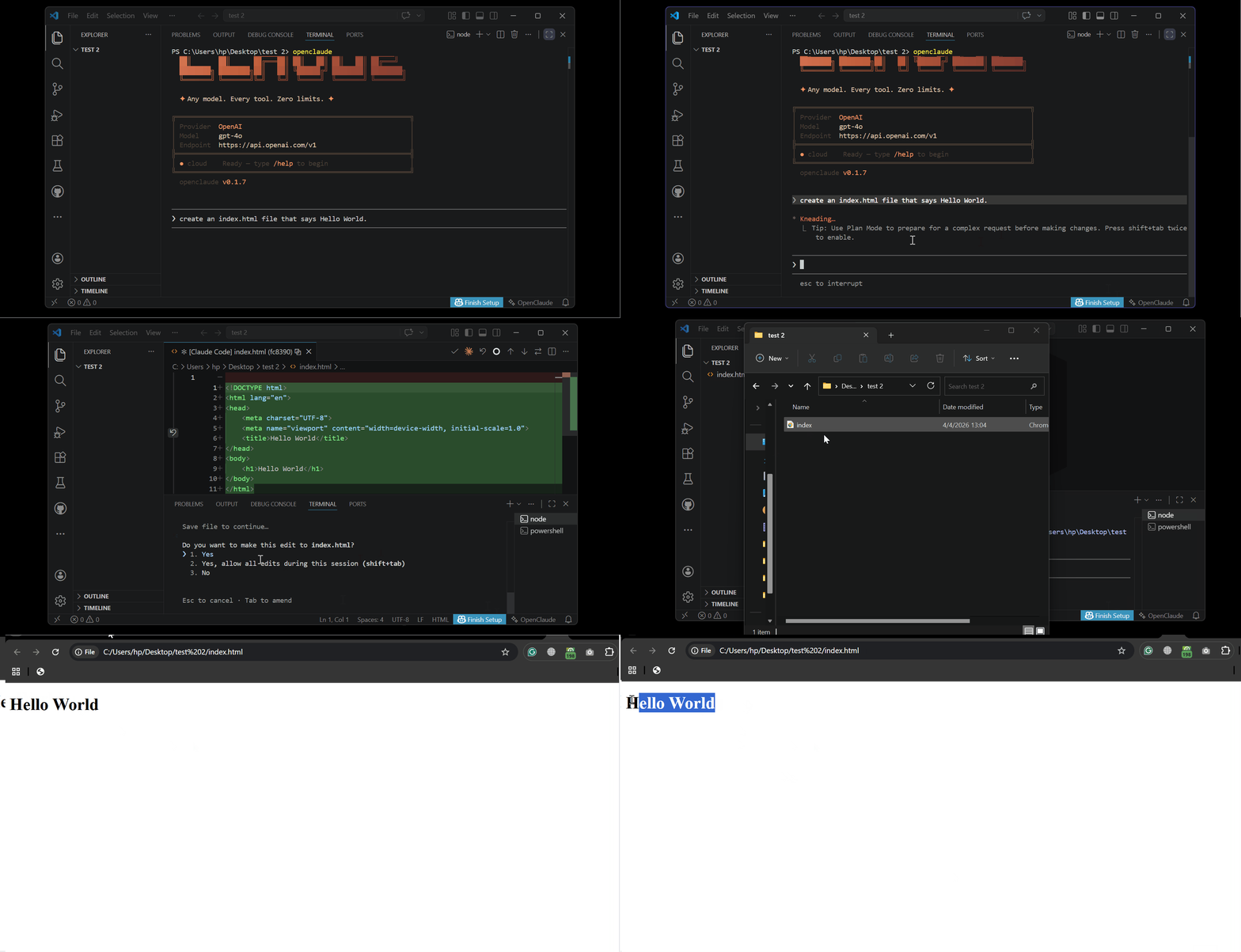
If it reads the directory and creates the file, everything is working. (Mine works!)
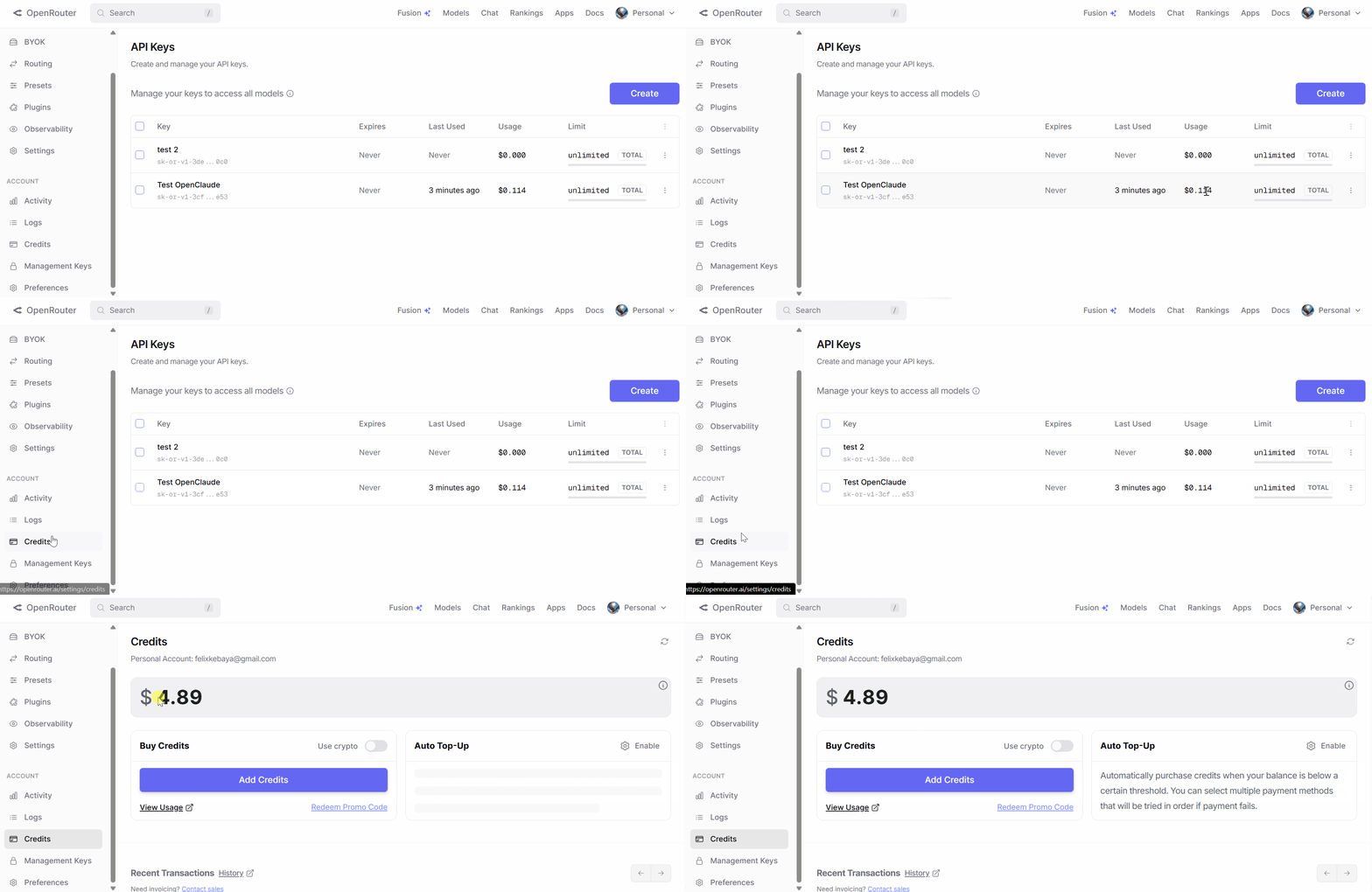
Go back to OpenRouter and check your usage:
Which Model Should You Use?
Not all models handle agentic tasks equally. Tool use and multi-step reasoning separate the capable ones from the cheap ones.
Here are three models I recommend:
- Gemini Flash 2.5 Preview — Fast. Cheap per token. Handles file editing and code generation well. Good starting point for most tasks.
- GLM-4 — Solid for code-heavy work. Slightly slower but reliable with multi-step instructions.
- MiniMax M2.7 — Surprisingly capable for its price. Good for longer context tasks.
Avoid obscure models with no community testing behind them. Agentic tasks require the model to follow structured tool-use patterns consistently.
A cheap model that drifts off format mid-task wastes more time than it saves.
To switch models: exit your current session, update the OPENAI_MODEL export with the new model string from OpenRouter, paste the exports again, and run openclaude.
That is the full switch process.
Note: these environment variables do not persist between terminal sessions. You will need to paste them every time you open a fresh session. This keeps your key out of config files that might get committed to version control.
Final Thoughts
Here is the part most tutorials skip.
Anthropic built one of the best coding agents available. Tight, focused, and genuinely useful in real workflows…Because of a leak, that interface is now separating from the model it was built for.
The agentic shell and the model are now two different choices you make independently.
You can run a $0.10-per-million-token model through an interface that was designed with serious engineering behind it…this did not exist six months ago.
Whether Anthropic kills every repo or not, the pattern is set. Open-source forks of commercial agent interfaces will keep on appearing.
Knowing how to evaluate and install them fast is the real skill here.
OpenClaude is just the current example worth your time.
One Last Thing
This repo may already be down by the time you are reading this. If it is, search GitHub for active OpenClaude forks; the community keeps mirroring it. You can also look for saved zip archives on developer forums.
Follow me on Medium for tools that get tested before they get hyped.