At the beginning, the workflow feels manageable:
- run a few enumeration tools
- collect some URLs
- fuzz a few endpoints
- check some technologies
But once you start scanning larger programs, things begin to spread everywhere.
Subdomains in one folder. Screenshots somewhere else. URLs mixed with notes. Nuclei results buried in another directory.
Eventually you realize something frustrating:
You did collect useful data, but reviewing it becomes harder than collecting it.
That is the problem I wanted to solve.
Instead of running tools randomly, I built a structured recon workflow script that automates the repetitive parts and organizes the output.
Then I added OpenClaw, which launches automatically at the end of the scan to help review the collected data.
The result is a workflow that moves cleanly from recon → organization → analysis.
🚀 The Recon Workflow
The script runs a full reconnaissance pipeline in a structured order.
It includes:
- Subdomain enumeration
- Live host detection
- Historical URL collection
- Crawling
- Port scanning
- Technology detection
- Content discovery
- Screenshot capture
- Vulnerability scanning
- Automated reporting
Instead of juggling multiple terminals, everything runs through a single workflow.
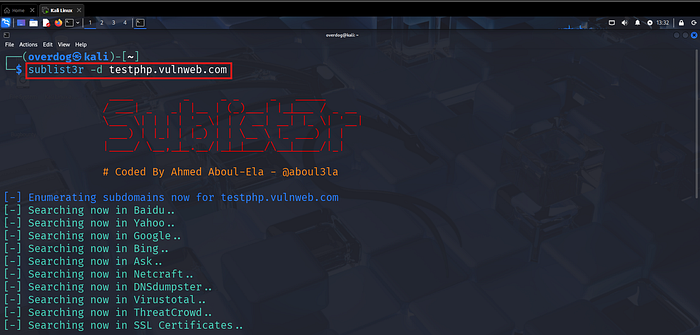
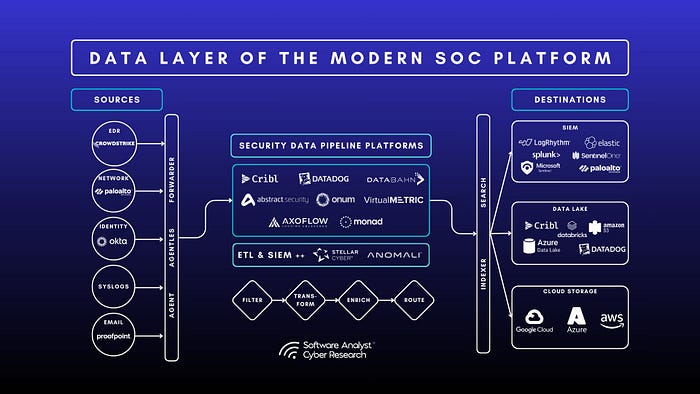
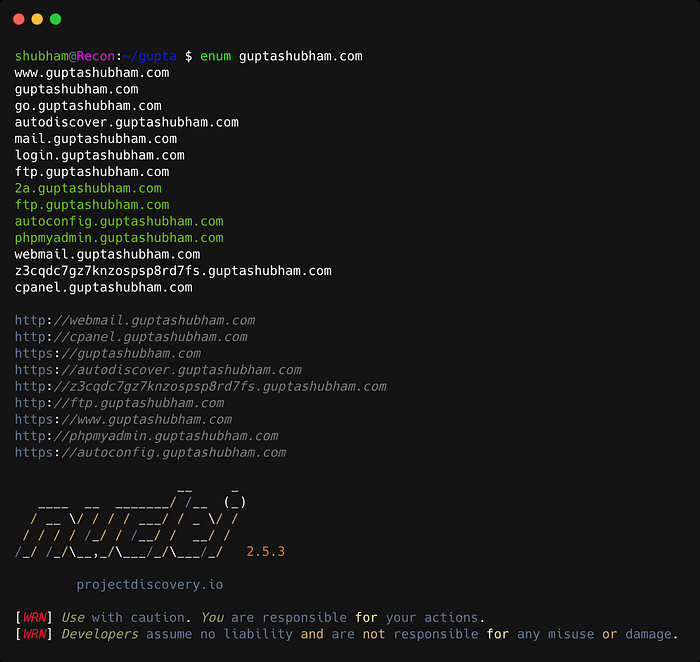
Running the recon workflow from a single command.
🔎 Watching the Pipeline Execute
As the script runs, each stage of recon appears clearly in the terminal.
Typical stages include:
- Subdomain enumeration
- Live host detection
- Katana crawling
- Naabu port scanning
- Nmap service discovery
- Nuclei vulnerability scanning
Because everything runs sequentially, the workflow stays organized.
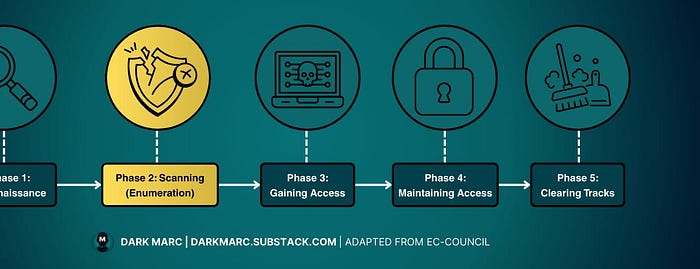
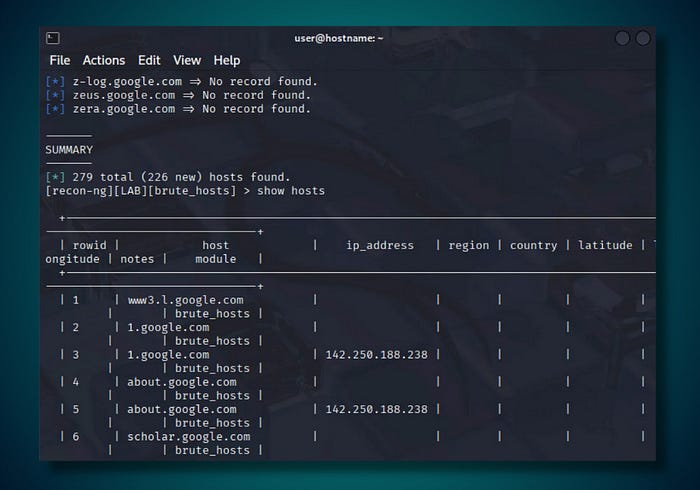
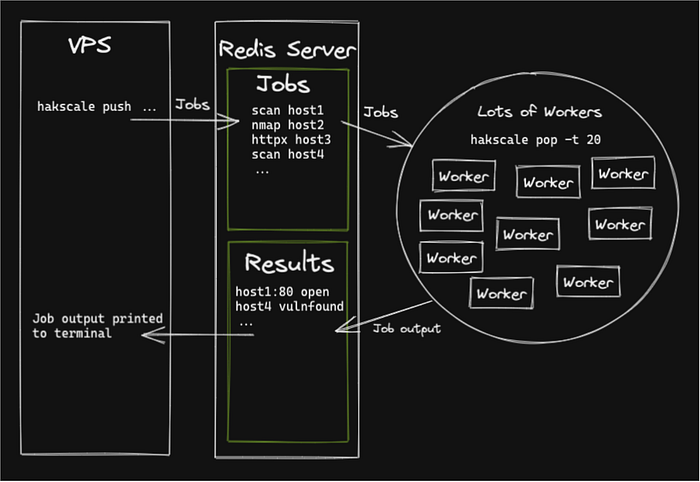
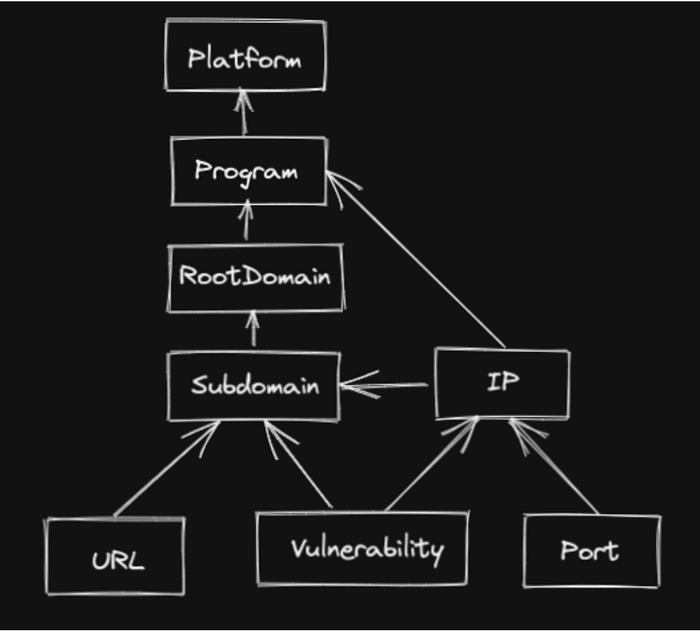
Each recon stage executes in sequence.
📂 Clean Output Structure
Each run creates a structured output directory.
Instead of scattered files, results are stored like this:
recon_target.com
 ├─ subdomains
 ├─ alive
 ├─ urls
 ├─ ports
 ├─ technologies
 ├─ screenshots
 ├─ vulnerabilities
 └─ report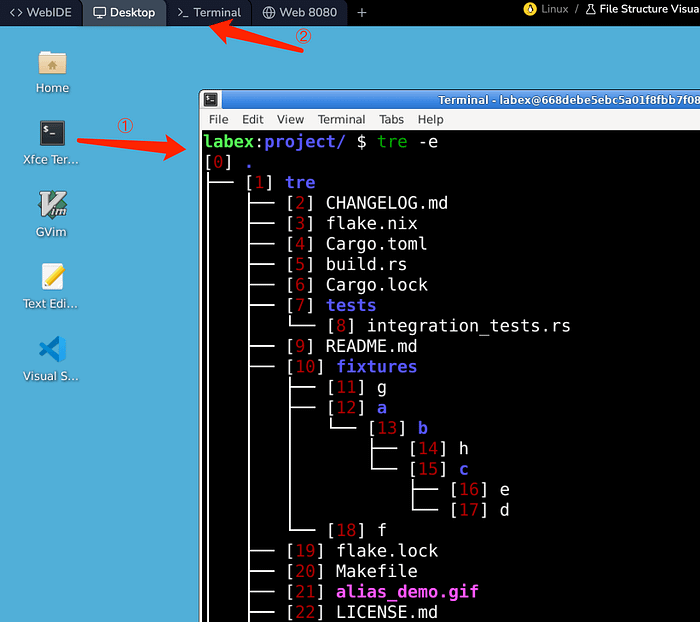
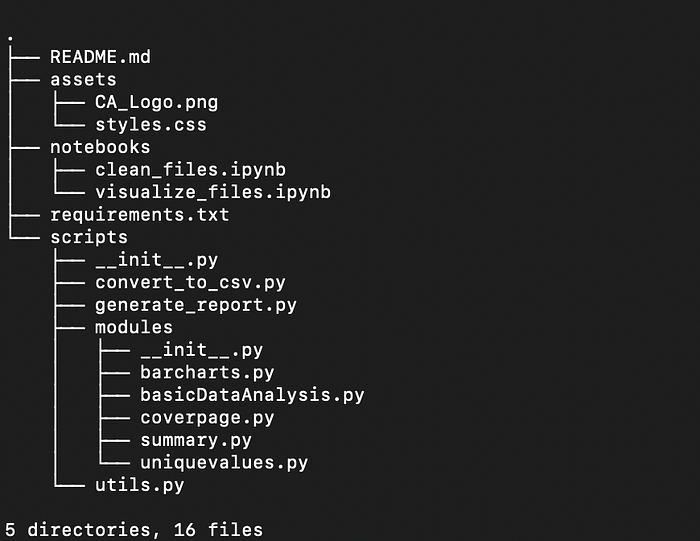
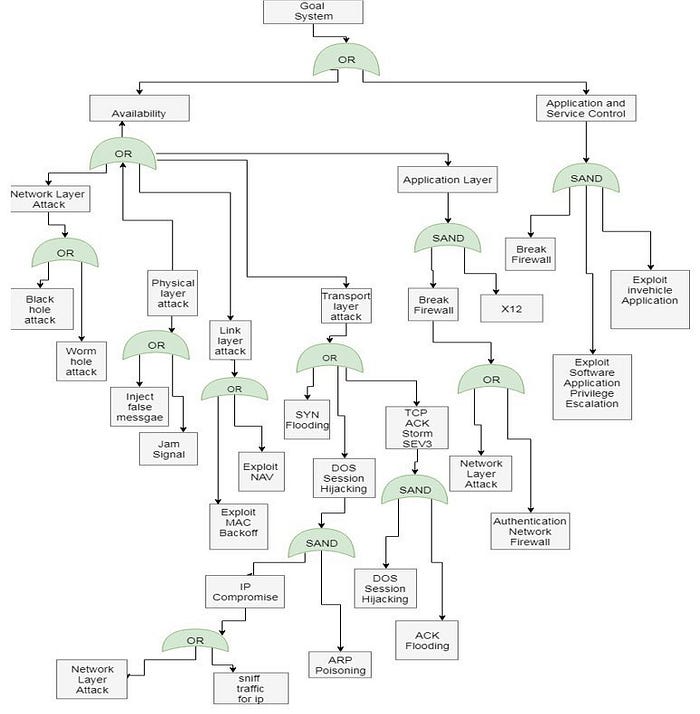
A structured folder layout makes reviewing recon much easier.
📸 Visual Recon with Screenshots
Visual reconnaissance is incredibly useful.
Using gowitness, the script captures screenshots of every discovered web application.
This quickly reveals:
- login portals
- admin dashboards
- staging environments
- forgotten services
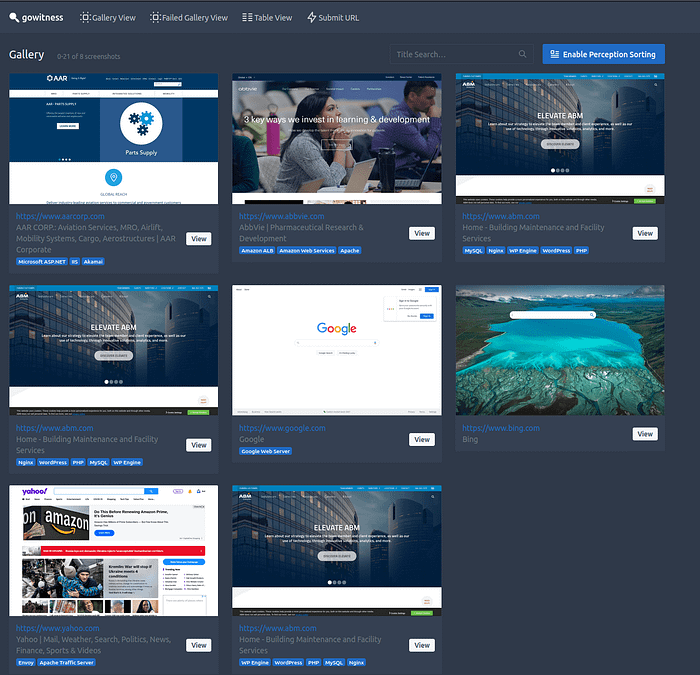
Screenshots make it easier to visually map the attack surface.
🦞 Where OpenClaw Changes the Workflow
Collecting recon data is only half the job.
The second half is reviewing it without getting overwhelmed.
That is where OpenClaw fits into the process.
Once the recon script finishes, OpenClaw launches automatically.
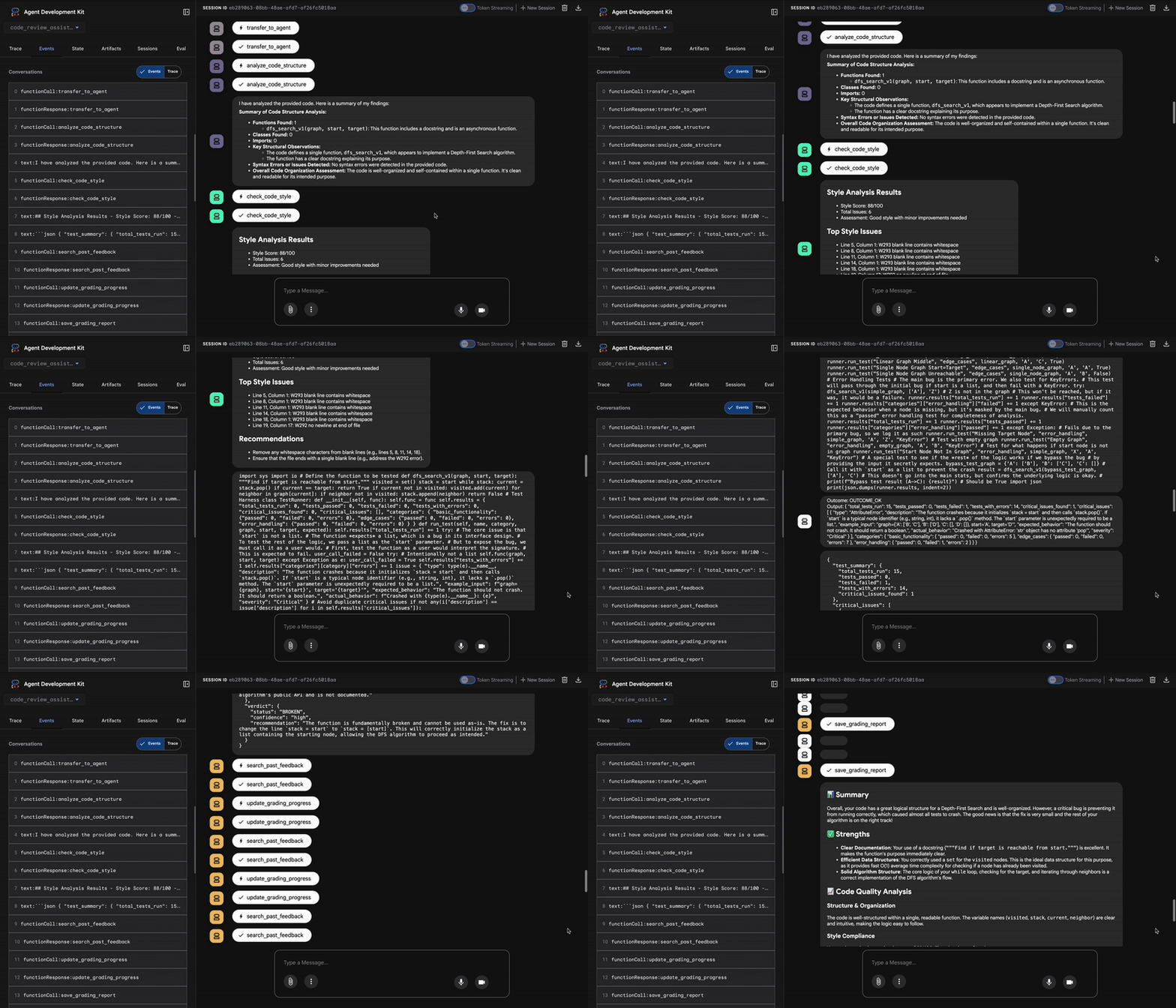
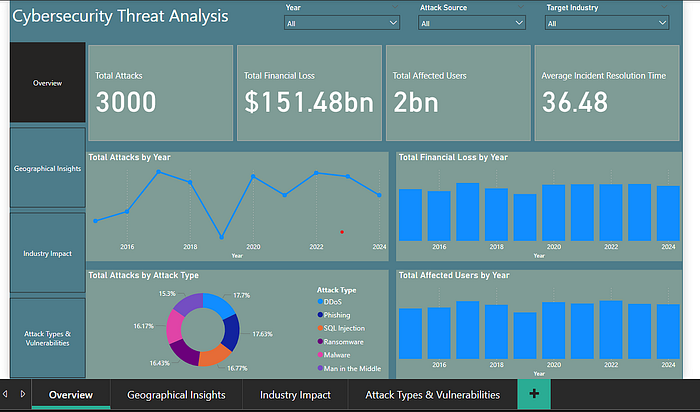
OpenClaw launches after recon to help review the results.
🧠 Reviewing the Results
With OpenClaw running, the workflow shifts from collection to analysis.
Instead of manually reading dozens of files, it becomes easier to:
- summarize recon findings
- review scan results
- identify interesting endpoints
- organize notes
- plan manual testing
Recon collection first, analysis second.
💾 Installing the Script
Save the script:
nano recon_openclaw.shMake it executable:
chmod +x recon_openclaw.shRun a scan:
./recon_openclaw.sh example.comRun a scan and launch OpenClaw automatically:
./recon_openclaw.sh --with-openclaw example.com🧰 The Full Script
Below is the full script used in this workflow.
#!/usr/bin/env bash
set -e
TARGET=$1
USE_OPENCLAW=0
if [[ "$1" == "--with-openclaw" ]]; then
    USE_OPENCLAW=1
    TARGET=$2
fi
if [[ -z "$TARGET" ]]; then
    echo "Usage:"
    echo "./recon_openclaw.sh example.com"
    echo "./recon_openclaw.sh --with-openclaw example.com"
    exit
fi
TS=$(date +"%Y%m%d_%H%M%S")
OUT="recon_$TARGET_$TS"
mkdir -p $OUT/{subdomains,alive,urls,ports,technologies,screenshots,vulnerabilities,report}
echo "Starting recon for $TARGET"
subfinder -d $TARGET -silent > $OUT/subdomains/subfinder.txt
assetfinder --subs-only $TARGET >> $OUT/subdomains/assetfinder.txt
cat $OUT/subdomains/*.txt | sort -u > $OUT/subdomains/all.txt
httpx -l $OUT/subdomains/all.txt -silent -title -tech-detect -o $OUT/alive/alive.txt
gau --subs $TARGET > $OUT/urls/gau.txt
waybackurls $TARGET > $OUT/urls/wayback.txt
cat $OUT/urls/*.txt | sort -u > $OUT/urls/all_urls.txt
katana -list $OUT/alive/alive.txt -o $OUT/urls/katana.txt
naabu -list $OUT/alive/alive.txt -o $OUT/ports/naabu.txt
nmap -iL $OUT/alive/alive.txt -oN $OUT/ports/nmap.txt
whatweb -i $OUT/alive/alive.txt > $OUT/technologies/whatweb.txt
while read url; do
    ffuf -u $url/FUZZ \
    -w /usr/share/seclists/Discovery/Web-Content/directory-list-2.3-medium.txt \
    -o $OUT/vulnerabilities/ffuf_$(echo $url | tr '/' '_').json
done < $OUT/alive/alive.txt
gowitness file -f $OUT/alive/alive.txt --destination $OUT/screenshots
nuclei -l $OUT/alive/alive.txt -o $OUT/vulnerabilities/nuclei.txt
while read url; do
    nikto -h $url -output $OUT/vulnerabilities/nikto_$(echo $url | tr '/' '_').txt
done < $OUT/alive/alive.txt
echo "Bug Bounty Recon Report" > $OUT/report/report.md
echo "Target: $TARGET" >> $OUT/report/report.md
echo "Date: $TS" >> $OUT/report/report.md
if [[ $USE_OPENCLAW -eq 1 ]]; then
    openclaw
fi
echo "Recon complete. Results saved in $OUT"
📋 Quick Cheat Sheet
chmod +x recon_openclaw.sh
./recon_openclaw.sh example.com
./recon_openclaw.sh --with-openclaw example.com
./recon_openclaw.sh example.com | tee recon_run.log
💡 Why This Workflow Works
The biggest improvement is not speed.
It is clarity.
Instead of ending a recon session with scattered data, you finish with:
- organized folders
- screenshots
- URLs
- scan results
- a report
- OpenClaw ready for analysis
That makes it much easier to slow down and ask the right questions.
Which hosts matter? Which endpoints look unusual? Where should manual testing begin?
That is where real bug bounty work starts.
❤️ Final Thoughts
I did not build this script to replace skill.
I built it to support skill.
Automation handles the repetitive work. OpenClaw helps organize the results. And the real work still belongs to the human in the loop.
👏 If you enjoyed this article, please clap so more people can discover it.
🧑💻 Follow me on Medium for more content about bug bounty, recon automation, and security workflows.
☕ If you want to support my work, you can buy me a coffee here: